$2.40 $7.99
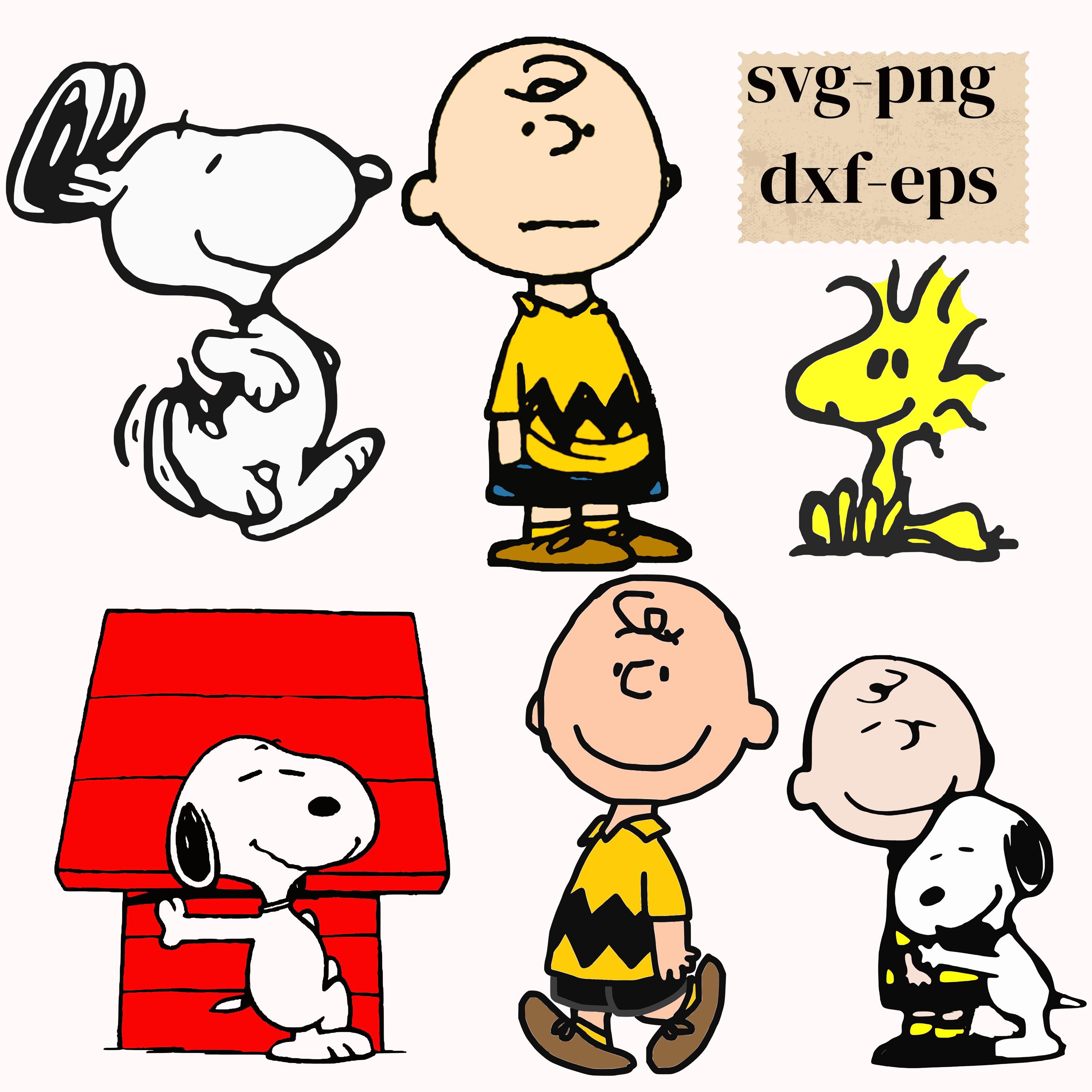
6 Dog and his friend SVG/PNG/DXF/Eps Best Designs Bundle snoopydog svg bundle
This is a digital cutting file designed to be used with an craft cutting machine like a Cricut or a Silhouette
You will receive an e-mail after purchase and completed payment from Etsy, sent to the e-mail address listed with your Etsy account. You will receive a link which will allow you to download.
You can also access your digital purchase on your etsy account. Go to You > Purchases and reviews and look for the order. To the right of the order, click Download Files. This goes to the Downloads page for all the files attached to your order.
With this INSTANT DOWNLOAD you will receive a ZIP folder, which include
IN THIS LISTING
WHAT'S INCLUDED:
You'll Receive
📂 6 SVG file - For Cricut Explore, Silhouette Designer Edition, Adobe Suite, Inkspace, Corel Draw and more.
📂 6 PNG file - for web graphics (Transparent Background)
📂 6 EPS file - For Adobe Illustrator, Inkspace, Corel Draw and more.
📂 6 DXF file - For Silhouette users, this format can be opened with the free software version of Silhouette.
Note :- 1 No. Svg File free with this Bundle (after purchasing you will get 7 no of files in above format)
These are digital files that are compatible with Silhouette and Cricut machine design software and cutter programs.
These files are suitable for home decor vinyl decals, car decals, signs, mugs, wall decals, shirt decals…
You will need a vinyl cutter or printer to use these files..
These files are designed to use in Silhouette Studio, Cricut Design Space, Sure Cuts a Lot (SCAL) and other popular cutting software that accept these files. Before purchasing please make sure your cutting machine is compatible with any of the file formats provided.
Digital files only, no physical products will be shipped to you.
Silhouette Cameo:
1. download zip file
2. extract files
3. open studio
4. click file, open
5. find the files you just extracted
6. choose your format (if you don't have design edition, the paid for version, choose the dxf format. The file is already traced and all you have to do is cut)
Note: For Silhouette users, use DXF file if you have the BASIC/FREE version of the Silhouette Studio software.
Due to the digital nature of this product, all sales are FINAL.
Not to be resold as is.